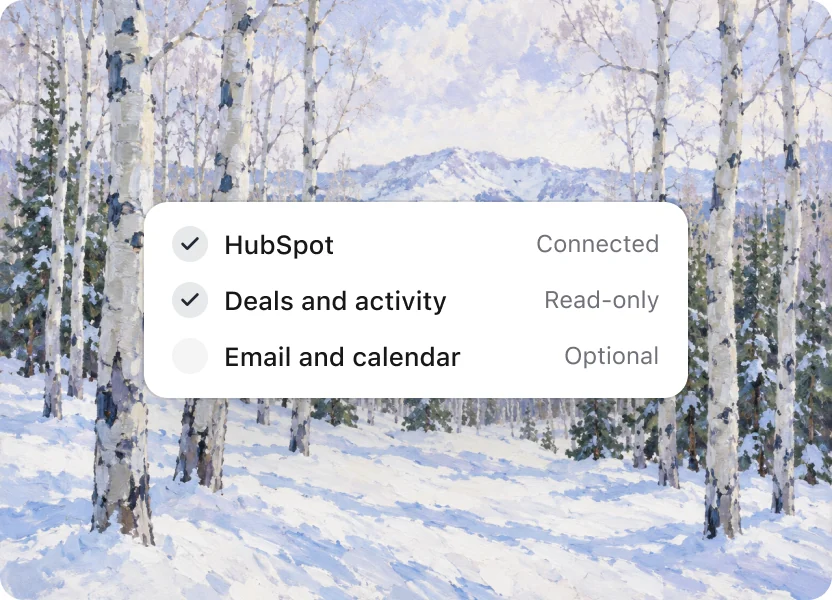
01
Connect your CRM
HubSpot or Salesforce, read-only. About two minutes, and nothing to migrate.
How it works
Connect HubSpot or Salesforce, read-only. Adrata finds who’s best at what, and finds more every week. You decide what reaches your reps.
01
HubSpot or Salesforce, read-only. About two minutes, and nothing to migrate.
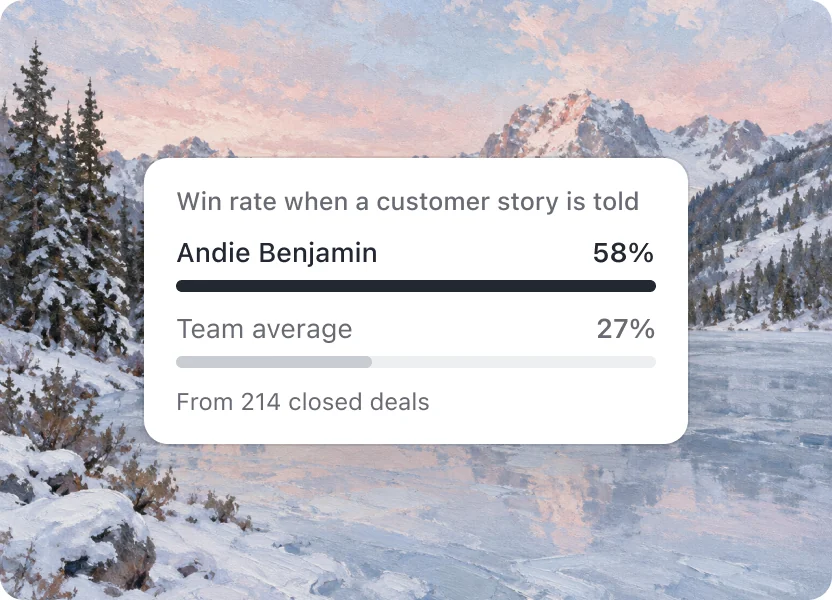
02
It compares every rep, skill by skill, against what actually closed, and keeps comparing as deals move.
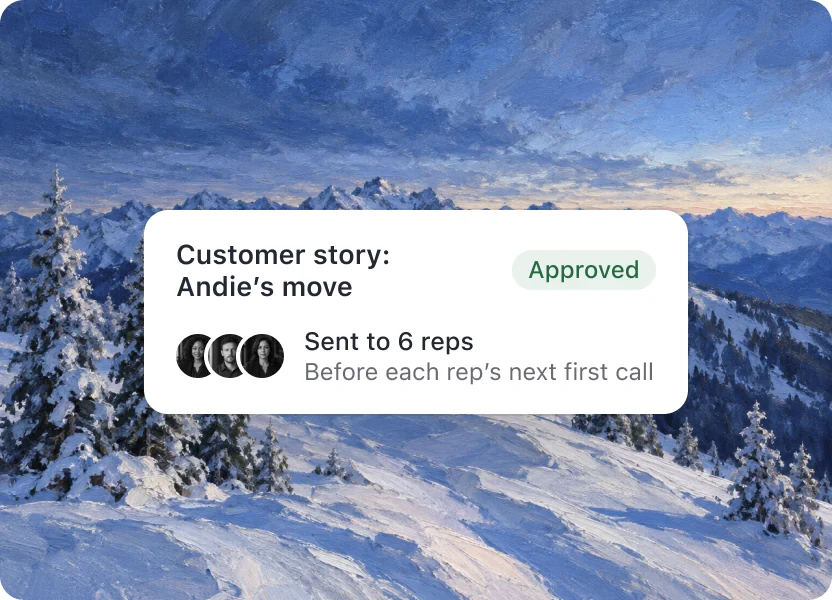
03
Nothing reaches a rep until you approve it. Then it shows up right before the moment it’s for.
Getting started
An illustrative sequence: connect your CRM, explore the findings, review them with your team, and choose a play to start with.
Step 1
Connect HubSpot or Salesforce, read-only. Adrata starts comparing your deals.
Step 2
Who’s best at what, skill by skill, the deals behind it, and the stories.

Step 3
Review the findings with your VP Sales, using the deals behind each comparison.
Step 4
Who’s best at what, the biggest gap, and the one play to start with.
On Team: plays reach reps by email and calendar note, 30 minutes before the call. Then new findings every week as deals close.
Who approves
With an enablement team
Ilsa edits the wording, picks the reps it’s for, and approves it in Needs review.

Before your first enablement hire: Autopilot
Autopilot: for teams before their first enablement hire. Plays go out automatically to a first wave, you get a Monday digest, and you can pause any play in one tap.
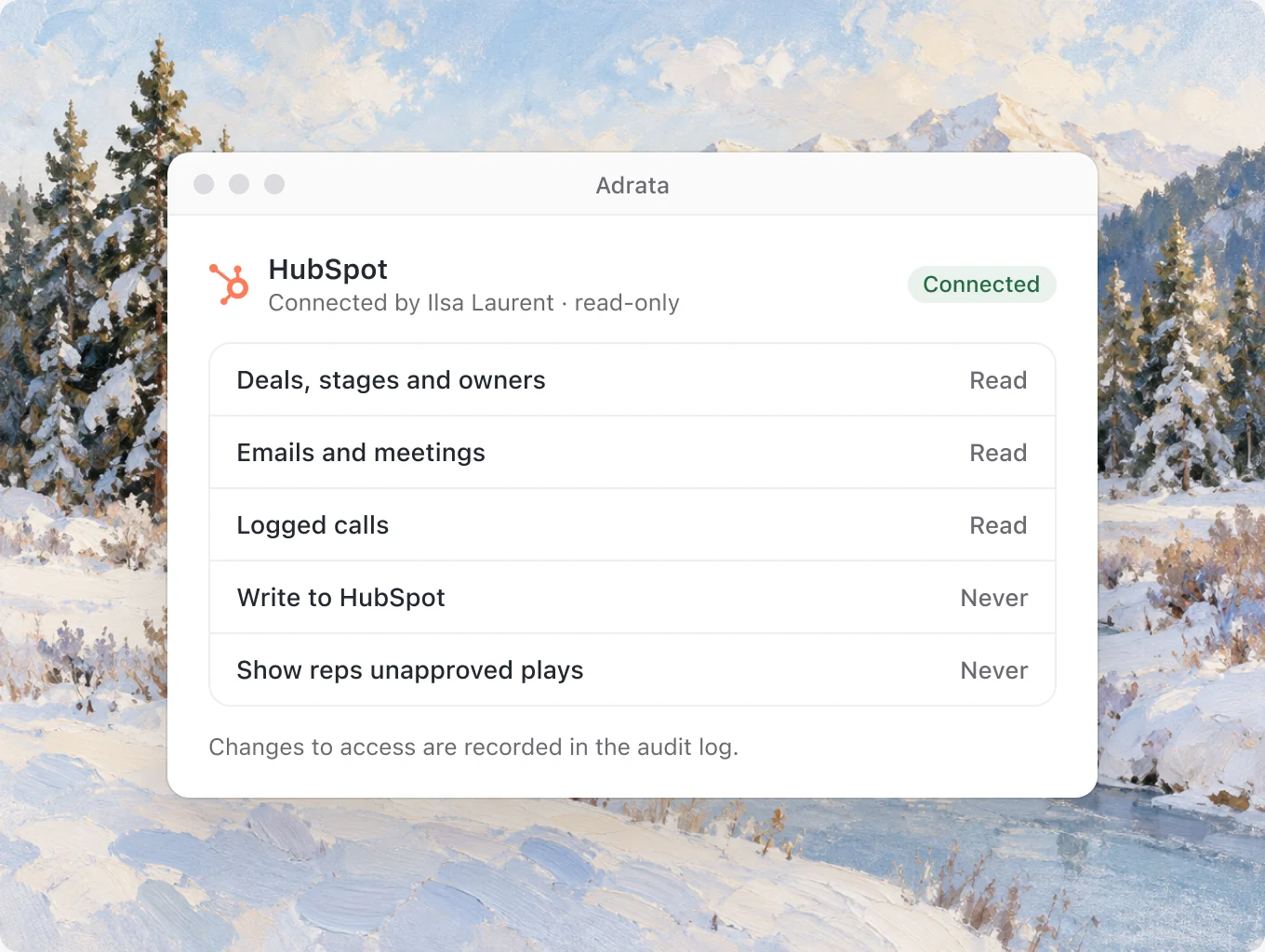
No. Adrata reads HubSpot or Salesforce where it already is, read-only. Your CRM stays as it is, and nothing moves.
Deals, stages and owners. Emails, meetings and logged calls. Call recordings you choose to connect.
No. Adrata reads your deals. It never changes them.
You approve every play, or your enablement lead does.
Autopilot: for teams before their first enablement hire. Plays go out to a first wave, and you can pause any play in one tap.
Connect HubSpot or Salesforce, read-only. About two minutes, and nothing to migrate.

Request access and explore the moves behind your own deals.